Practice Management Software
Doctor’s App
Plan your day, action results, view appointments, clinical histories and recalls.
Bring Zedmed with you
Book a demo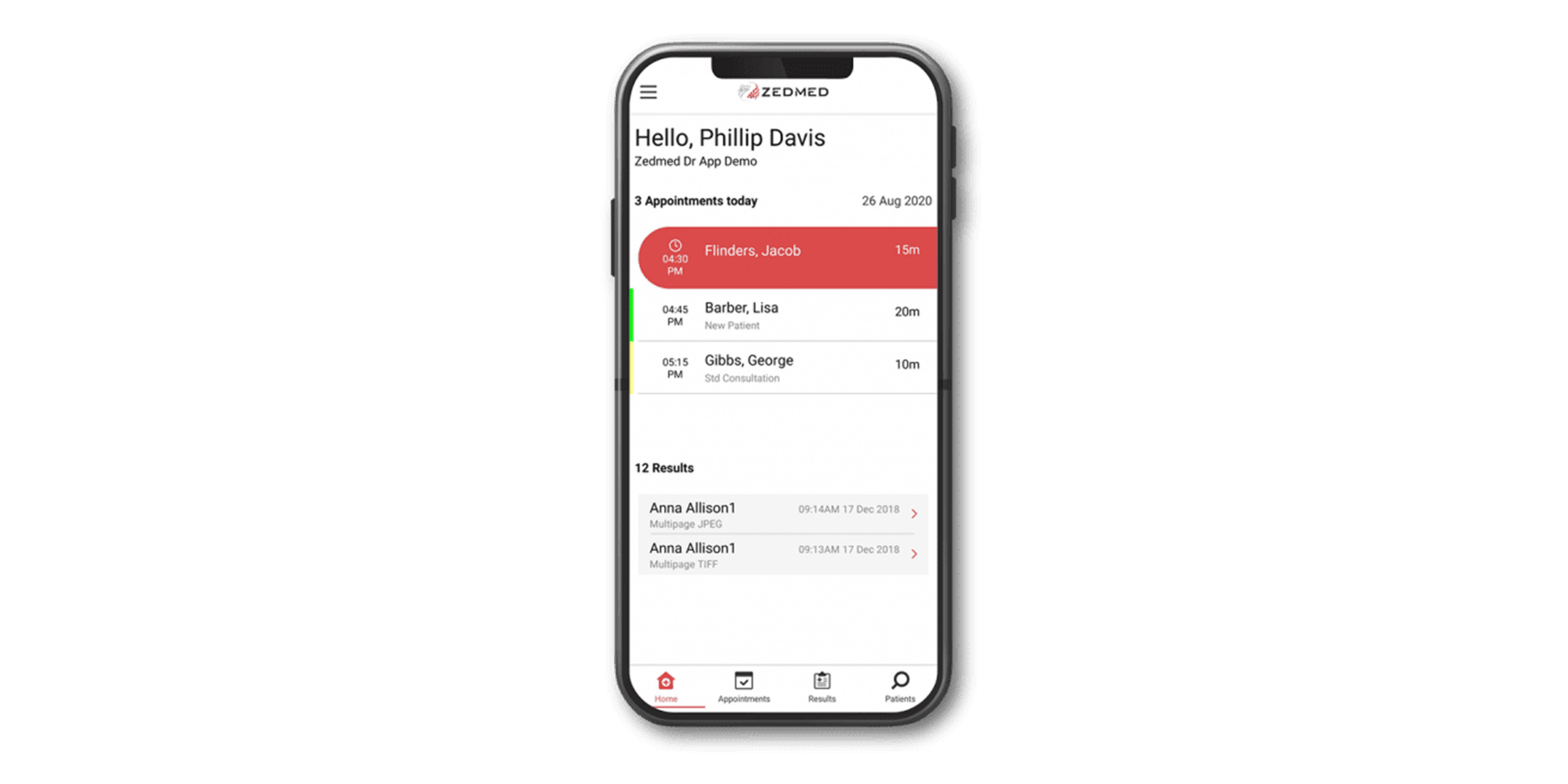
Care on the go
Access what you need, wherever your day takes you
- Check appointments, clinical histories and recalls without needing to be at your desktop.
- Action pathology and diagnostic results as soon as they land, even after hours or on call.
- Move between rooms, wards or home visits without losing access to patient information.
Bank-level security
Patient data protected through multiple layers of authentication
- Every device is authorised individually, so only approved phones can access your practice.
- Device linking is confirmed through SMS authorisation before any access is granted.
- Log in with your existing Zedmed credentials or a personal PIN for fast, secure access.
Always in sync
The same Zedmed you trust, wherever you are
- Actions taken in the app reflect instantly in your Zedmed desktop, no double handling.
- The same functionality as the desktop application, built for use on the move.
- One connected system across your practice, whether you’re on-site or off.
Need to learn how to use the Doctor’s App?
Knowledge BaseReady to see how Zedmed fits your practice?
Transparent pricing for practices of all sizes, from solo specialists to large healthcare groups. Choose a solution that scales with you.